SYNETECH
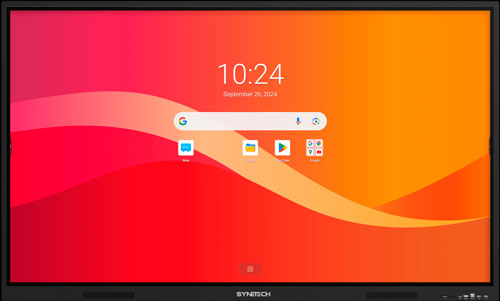
Synetech Piscis PXX79 Interactive Screen Displays
Video Tutorial: Using the Synetech interactive screen 
Through this video, you will see how to use the screen via the MiniPc or by connecting your laptop, and how to access the whiteboard function.
Note: For the use of interactive screen displays, the following are available to users:
Wireless keyboard and mouse
Stylus for touch screens.
HDMI cable (to connect external devices: laptop, PC…)
USB Type-B Touch cable (to enable interactive capabilities on the laptop) These materials can be requested at the concierge’s office of the building where the screen is located.
Quick Access Tutorials:
Using the Whiteboard App (Android)
You can find more detailed information on using this screen in the manufacturer’s user manual: