Services
For the university community
Find the IT services you need to study, teach, conduct research, and work at UMH: support, equipment, software, connectivity, classrooms, and other technology resources.
Each service has its own terms of use. Some services are available only to specific groups (students, PDI, and PTGAS).
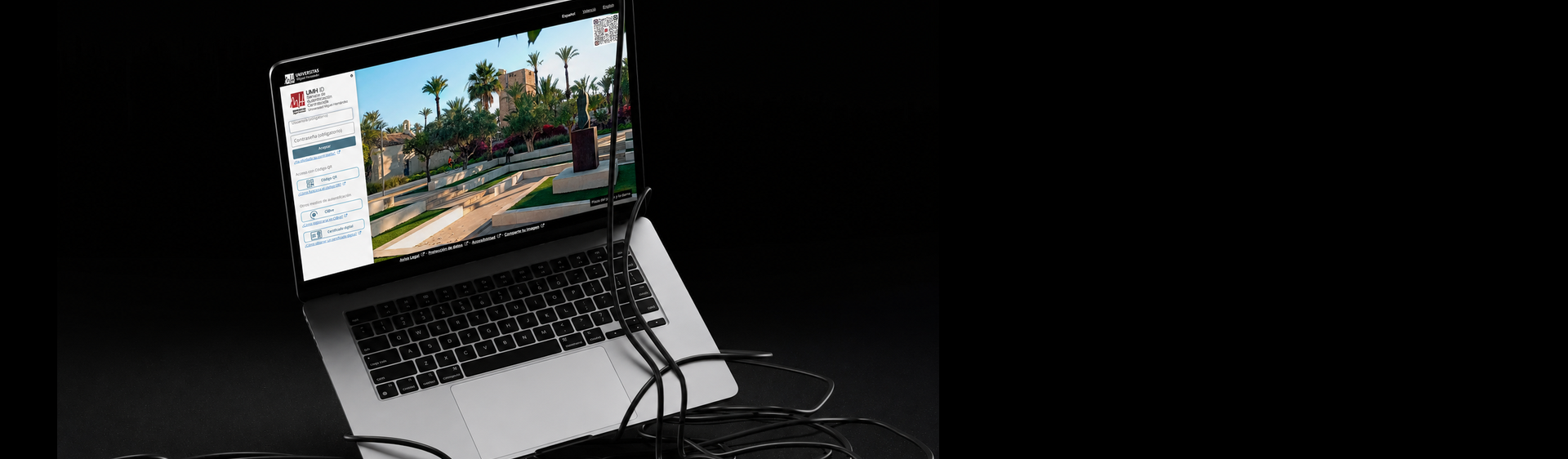
When required, you can sign in with your UMH credentials.

User support and assistance
Do you have a question, need to submit a request, or is something not working as expected? The User Support Center (CAU) is the main point of contact for IT help.
For: the entire university community.
Most commonly used services
- Get help accessing a UMH website or app.
- Report a technical issue.
- Submit an IT request.
- Remote support.
- Tutorials and solutions to common problems.
IT equipment
SII manages and supports workplace IT equipment throughout its lifecycle: setup, maintenance, relocation, loans, and retirement.
For: PTGAS and PDI, depending on the terms of each service.
Most commonly used services
- Request IT equipment for a workstation.
- Request the relocation or retirement of IT equipment for a workstation.
- Request a repair for workstation IT equipment.
- Report warranty or repair issues with workstation IT equipment.
- Install or update UMH standard software.
- Technical guidance to help you choose the equipment that best meets your needs.
Networks and communications
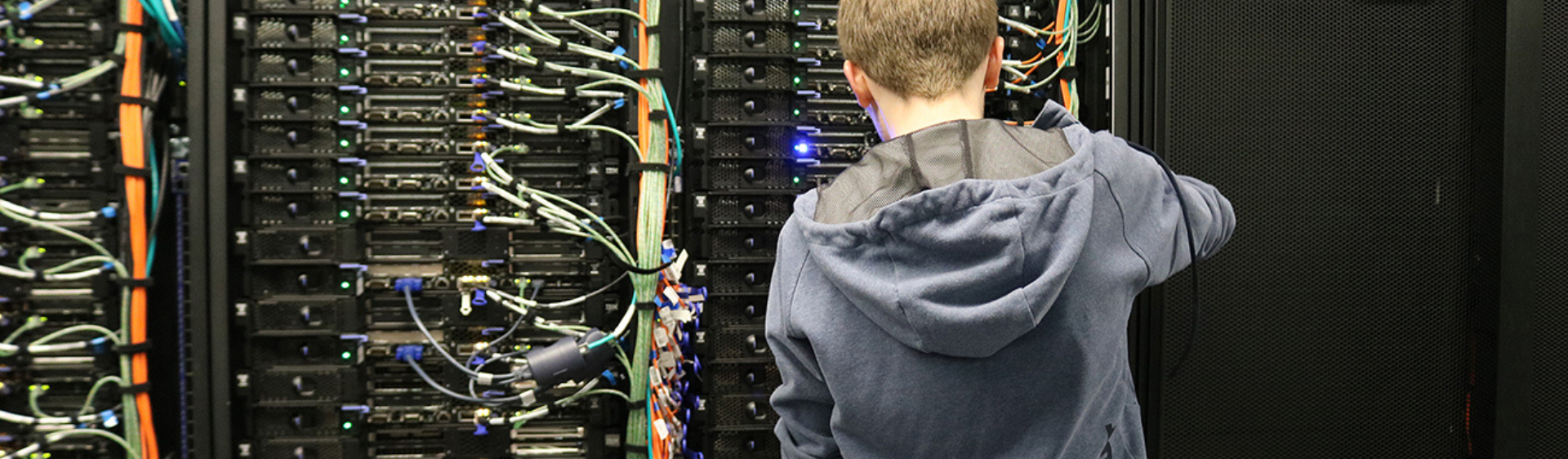
Our specialized technical staff manage the wired and Wi-Fi networks, landline and mobile phone services, and other communication services. They also resolve technical issues related to these services.
For: PDI and PTGAS, depending on the service.
Most commonly used services
- Request a new landline.
- Request a new mobile line.
- Request installation of a connection point to the University’s local network.
- Request an IP address reservation or DNS entry.
- Report issues with the Wi-Fi or local network connection.
- Report issues related to servers and infrastructure.
Software and licenses
Find software available at UMH and check who can use each application, how to access it, and what terms apply.
For: students, PDI, and PTGAS, depending on the license.
Classrooms and teaching resources
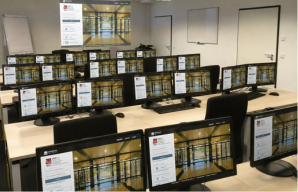
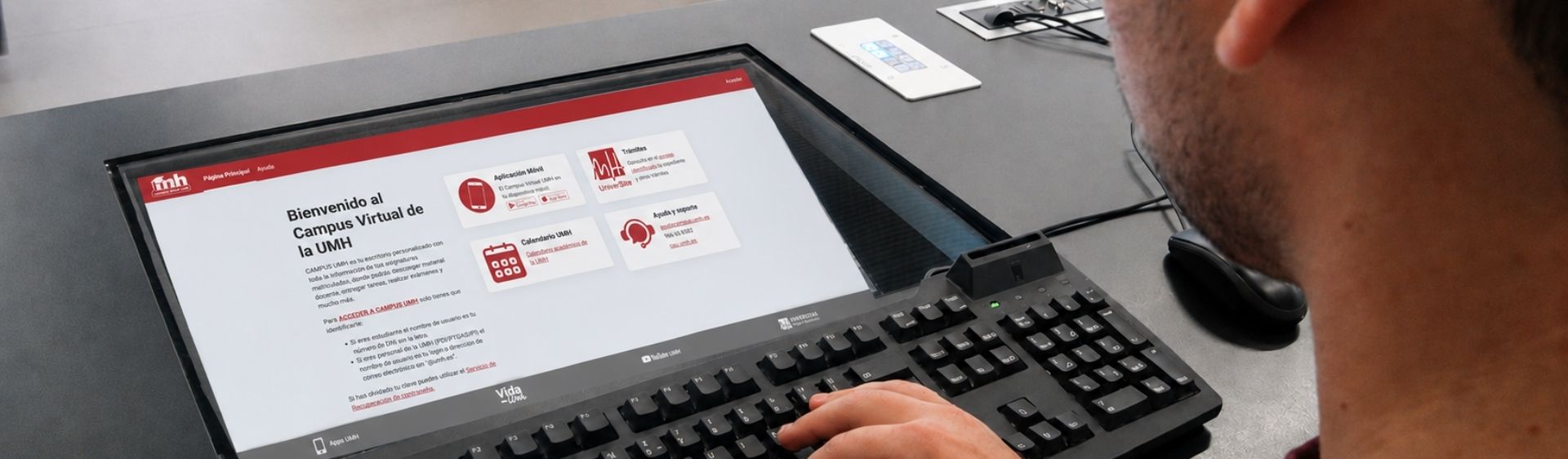
Use the technology resources available in classrooms and labs to prepare and deliver teaching activities.
Primarily for: PDI. Some resources are also available to students and PTGAS, depending on their purpose.
Most commonly used services
- Reserve a computer lab.
- Request software for a classroom.
- Report a technical issue in a classroom.
- Application and desktop virtualization.
- Installation and configuration of equipment in classrooms and teaching spaces.
IT purchasing and procurement
View the available options for purchasing IT equipment, supplies, and services through the procedures established by the University.
Primarily for: PDI, PTGAS, and UMH organizational units with IT purchasing needs.
Most commonly used services
- Purchase IT equipment.
- Procure IT infrastructure services.
- Support throughout the purchasing process using framework agreements or Dynamic Purchasing Systems.
Service Charter
View all services provided by SII, our quality commitments, and information about service delivery.
Can’t find what you need?
Start with the Help Center, where you’ll find tutorials, instructions, and answers to common questions.
If you need to submit a request or report an issue, contact the User Support Center (CAU).