Adobe Acrobat Pro
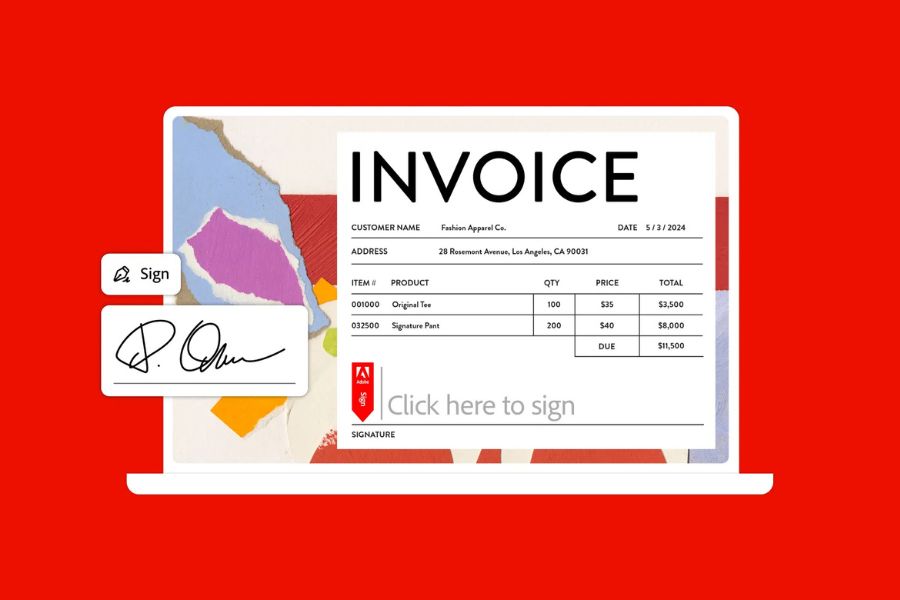
About this software: Universidad Miguel Hernández provides Adobe Acrobat Pro through a campus-wide license. Eligible UMH staff can install and use the software on University work computers for teaching, research, academic, and administrative activities.
Who can use it: UMH faculty and professional and administrative staff.
Requirements: Adobe Acrobat Pro may only be installed on computers used for University-related activities and must be used in accordance with the terms of the current UMH campus license.
How to get Adobe Acrobat Pro
You have two options:
1. Download and install Adobe Acrobat Pro yourself
Visit the UMH Software Downloads page to access and install the software yourself.
2. Ask IT to install or update the software
The IT Infrastructure Service can install or update Adobe Acrobat Pro for you.
Submit a request through the IT Service Desk (CAU). You can also call us at 966 658 582 (internal extension 8582).