Using the TTL Interactive Screen Display with Mini PC
1. Turn on the power strip located at the back of the screen.
2. Turn on the interactive screen display using the power button  located on the front panel.
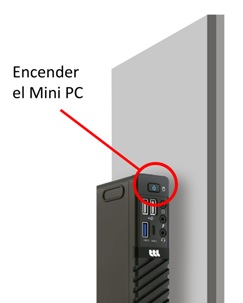
3. Turn on the MINI PC located at the back left.
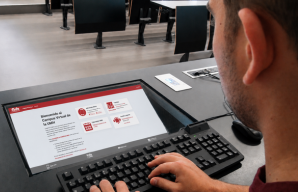
4. Connect the keyboard/mouse combo receiver into one of the USB  ports located on the lower right part of the interactive screen.
| NOTE: The keyboard/mouse combo is available at the building’s concierge office. |
5. Select the video source HDMI-1 using the INPUT  button located on the front and wait for the PC image to appear; it may take a few seconds.
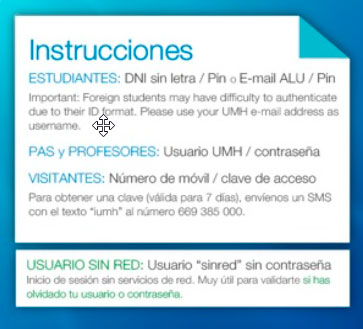
6. Log in to the MiniPC following these instructions as appropriate.