Interactive Displays
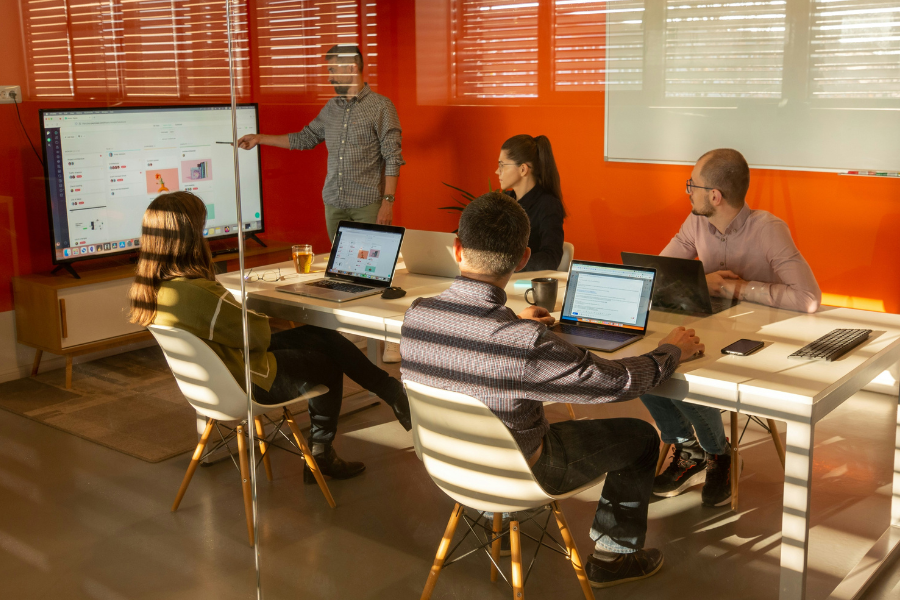
The University provides interactive displays to support teaching and classroom activities. Each setup includes:
- Touchscreen interactive display.
- Mini PC / OPS with teaching software.
- Webcam.
- Digital stylus.
- Wireless keyboard and mouse.
Who can use it:
UMH faculty and professional and administrative staff.
Requirements:
To use this service, you must first reserve a classroom.
How to access the equipment:
To use the audiovisual equipment, request the room key from the reception desk in the corresponding building.
Wireless keyboards and mice, presentation pointers, HDMI cables, and USB Touch cables are also available from the reception desk. The USB Touch cable is only needed if you want to use the display’s touchscreen features with your laptop.
Using the interactive displays
Different interactive display models are available from TTL, Synetech, and Newline.